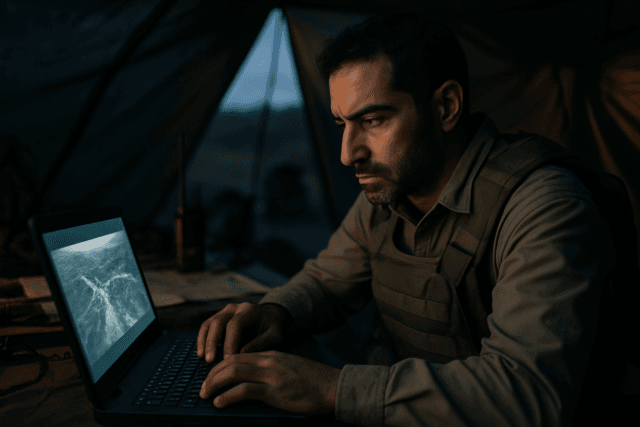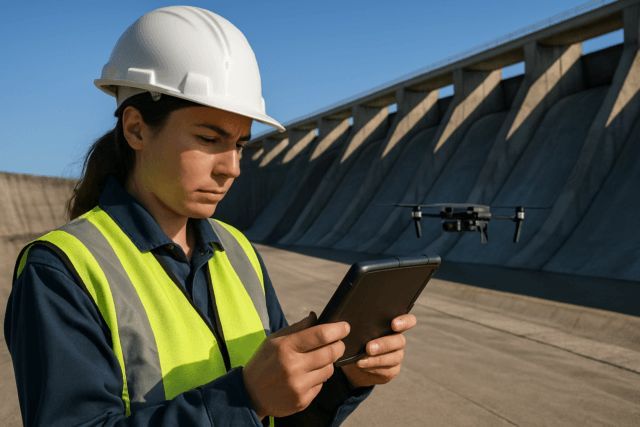
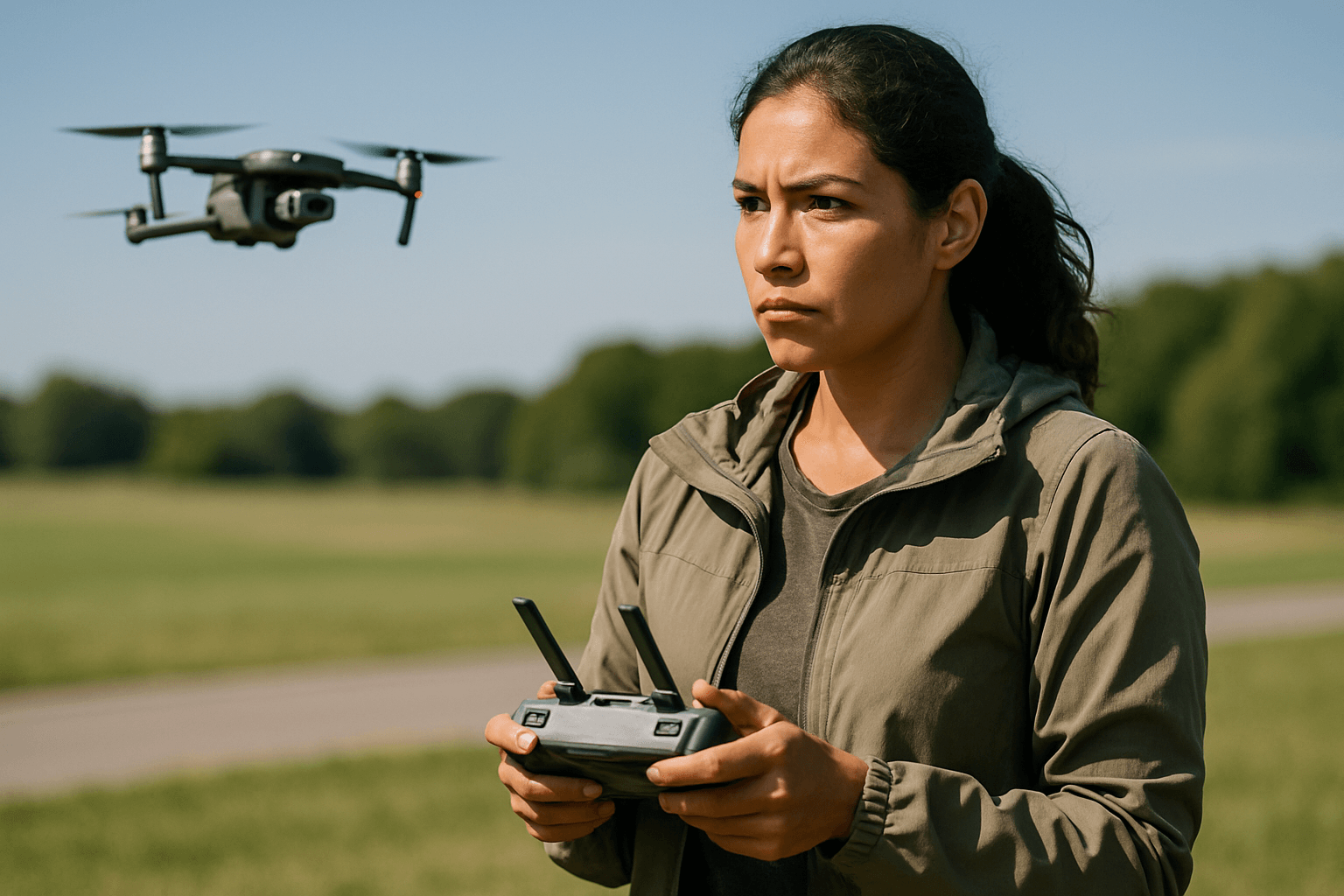
Capturing fast-moving subjects with a drone can elevate your aerial videography and photography from amateur to professional. Whether it’s a high-speed car chase, an athlete in motion, or dynamic wildlife, freezing the action while maintaining a cinematic feel requires a nuanced understanding of your drone’s camera settings. The key lies in balancing technical parameters to achieve sharp details, smooth motion, and appropriate exposure, even when your subject is in constant flux.
Essential Camera Settings for Dynamic Aerial Shots
When aiming to capture subjects in rapid motion, certain camera settings become paramount. Adjusting these parameters will allow you to either freeze the action for crisp stills or create a sense of speed with controlled motion blur in video.
Shutter Speed: Freezing the Action
Shutter speed is arguably the most critical setting for fast-moving subjects, as it dictates how long your camera’s sensor is exposed to light. A faster shutter speed will “freeze” motion, preventing blur and ensuring crisp details, which is ideal for both photography and video of fast action.
- For Photography: To capture crystal-clear still images of fast subjects, aim for a shutter speed of 1/500 second or faster. Some experts even recommend speeds up to 1/1000 second to eliminate motion blur entirely.
- For Videography: While fast shutter speeds are great for stills, video has a unique consideration: motion blur for cinematic feel. The “180-degree rule” is a widely accepted guideline that suggests your shutter speed should be approximately double your frame rate (FPS). For example, if you’re shooting at 30 frames per second (fps), your shutter speed should be around 1/60th of a second. This creates natural-looking motion blur that is pleasing to the human eye and avoids a “choppy” or “staccato” effect.
- Breaking the Rule for Fast Action: However, when your primary goal is to freeze ultra-fast motion in video, such as for sports analysis or dramatic slow-motion playback, you may need to intentionally break the 180-degree rule and opt for faster shutter speeds like 1/500s or faster, especially when shooting at higher frame rates (e.g., 60fps or 120fps). This allows for crystal-clear images even with rapid movement, which can then be slowed down effectively in post-production.
Frame Rate (FPS): Smoothness and Slow-Motion Potential
The frame rate determines how many individual images are captured per second, directly impacting the smoothness of your video and your ability to create slow-motion effects.
- 60fps or 120fps: For fast-moving subjects, higher frame rates like 60fps or 120fps are highly recommended. These rates capture more visual information, resulting in smoother footage and providing greater flexibility for slow-motion effects in post-production without losing quality.
- 30fps: While 30fps is good for general video recording and a balance between smooth motion and cinematic quality, it might not be sufficient for very fast action if you intend to slow it down significantly.
- 24fps: Often preferred for a classic cinematic look, 24fps is generally less suitable for fast-moving subjects if the intention is to clearly capture every detail, as it can appear less smooth when slowed down.
ISO: Managing Light Sensitivity
ISO controls your camera sensor’s sensitivity to light. While essential for proper exposure, it’s crucial to keep ISO as low as possible to minimize digital noise or grain in your footage.
- Optimal Range: In bright daylight, an ISO of 100 or 200 is ideal.
- Low-Light Compromise: If you need a faster shutter speed in less-than-ideal lighting conditions, you may have to increase the ISO. However, be mindful that higher ISOs (e.g., 800 or higher) will introduce more noise, impacting image quality.
Aperture: Controlling Depth of Field
Aperture refers to the opening in the lens that controls the amount of light entering the camera and influences the depth of field. Many consumer drones have fixed apertures, limiting adjustment.
- Fixed Aperture Drones: If your drone has a fixed aperture (common in many models), you’ll primarily rely on shutter speed, ISO, and ND filters to manage exposure. For example, the DJI Mini 3 Pro has a fixed aperture of f/1.7, which is good for low light and shallow depth of field.
- Adjustable Aperture Drones: For drones with adjustable apertures, a wider aperture (lower f-stop like f/2.8) allows more light and creates a shallower depth of field, helping to isolate your fast-moving subject against a blurred background. A narrower aperture (higher f-stop like f/8 or f/11) keeps more of the scene in focus, which is generally not preferred for isolating fast subjects but useful for landscapes.
Neutral Density (ND) Filters: Maintaining Optimal Settings in Bright Light
ND filters act like sunglasses for your drone camera, reducing the amount of light hitting the sensor without affecting color. They are indispensable for maintaining cinematic shutter speeds (like those dictated by the 180-degree rule) in bright conditions.
- Purpose: By reducing light, ND filters allow you to use a slower, more cinematic shutter speed (e.g., 1/60th for 30fps) without overexposing your footage.
- Selection: ND filters come in various strengths (e.g., ND4, ND8, ND16, ND32). On a sunny day, an ND8 or ND16 is often a good starting point.
Advanced Techniques and Considerations
Beyond the core exposure triangle, several other factors contribute to successfully capturing fast-moving subjects.
Focus Modes and Tracking
Modern drones often come with intelligent flight modes and advanced focusing capabilities that can significantly aid in tracking fast subjects.
- ActiveTrack/Intelligent Tracking: Many DJI drones, for example, feature ActiveTrack, which allows the drone to lock onto and follow a designated subject automatically. This frees the pilot to focus on camera composition rather than manual flight controls, greatly improving the chances of keeping a fast-moving subject in frame and in focus.
- Manual Focus (at Infinity): For very distant or small fast-moving subjects, setting manual focus to infinity can ensure everything beyond a certain point remains sharp, avoiding focus hunting issues.
Gimbal and Flight Settings for Smoothness
Even with perfect camera settings, jerky drone movements can ruin fast-action shots.
- Control Sensitivity (EXPO Settings): Adjusting the drone’s EXPO settings can make stick movements more gradual and less abrupt, leading to smoother flight and camera movements. Lower EXPO settings (e.g., 0.15-0.20) can achieve this.
- Gimbal Pitch Speed and Smoothness: Lowering the max gimbal pitch speed (e.g., to 12-20) and increasing gimbal pitch smoothness (e.g., to 15-25) will result in more natural and gentle camera tilts, preventing jarring movements when following a subject vertically.
- Flight Modes: Using “Normal” mode can be suitable for filming objects that move at a moderate pace, while “Sport” mode offers more responsive controls and faster drone movement, which can be useful for keeping up with extremely fast subjects, though obstacle sensing may be disabled. “Cine” mode, conversely, is for slower, more deliberate cinematic shots.
Post-Processing Considerations
The work doesn’t stop after landing the drone. Post-processing plays a vital role in perfecting your fast-action footage.
- RAW vs. JPEG: When shooting stills, always choose RAW format. RAW files retain significantly more detail and color information, offering greater flexibility for adjustments in exposure, shadows, highlights, and color grading during post-production.
- Color Profile: If you plan extensive color grading, use a flat color profile like D-Cinelike (for DJI drones) as it preserves more detail in highlights and shadows.
- Slow Motion: High frame rate footage (60fps, 120fps) provides excellent opportunities for smooth slow-motion effects, which can dramatically enhance the impact of fast-moving subjects.
Practice and Planning
Successfully capturing fast-moving subjects with a drone requires more than just technical settings; it demands skill and foresight.
- Practice Flying: Master smooth and accurate drone piloting, especially during unpredictable events. Practice dynamic movements and tracking subjects manually before relying solely on intelligent flight modes.
- Pre-Visualization: Plan your shots, consider the subject’s trajectory, and anticipate their movements. This will help you position your drone effectively and execute the necessary camera adjustments.
- Monitor Conditions: Wind can significantly impact drone stability and introduce jitter into footage, especially when attempting fast movements. Choose calm weather conditions for optimal results.
By diligently applying these drone camera settings and mastering your piloting skills, you can consistently capture breathtaking and dynamic footage of even the most fleeting moments from the sky.