Drone videography offers breathtaking perspectives, transforming ordinary scenes into cinematic masterpieces. However, nothing detracts from the grandeur of aerial footage faster than blurry or soft images. Achieving consistently sharp focus is a fundamental skill that elevates your drone videography from amateur to professional. This guide will delve into the essential techniques, camera settings, and pre-flight preparations necessary to ensure every frame of your drone footage is tack-sharp.
Understanding the Challenges of Aerial Focus
Unlike ground-level videography, drone cameras operate in a dynamic, often distant environment. Factors like wind, movement, varying light conditions, and the inherent characteristics of drone camera sensors all contribute to the difficulty of maintaining precise focus. Many consumer drones feature smaller sensors and fixed aperture lenses, which, while offering a greater inherent depth of field, still require careful management to achieve optimal sharpness. More advanced drones offer adjustable apertures and manual focus capabilities, demanding a deeper understanding of photographic principles.
Essential Camera Settings for Crisp Drone Footage
To consistently capture sharp drone video, moving beyond automatic settings is crucial. Manual control allows you to dictate how your camera handles light and motion, directly impacting focus and clarity.
ISO: Minimize Noise, Maximize Clarity
The ISO setting determines your camera’s sensitivity to light. A higher ISO introduces digital noise, which can make your footage appear grainy and less sharp. For the cleanest image quality, always aim for the lowest possible ISO, typically ISO 100, especially in bright daylight conditions. Only increase ISO when absolutely necessary in low-light situations, and consider stacking multiple higher-ISO images in post-processing to reduce noise if shooting stills at night.
Shutter Speed: The 180-Degree Rule for Natural Motion Blur
For videography, shutter speed doesn’t just affect exposure; it also dictates the amount of motion blur in your footage. To achieve a natural, cinematic look, adhere to the “180-degree rule,” where your shutter speed is roughly double your frame rate. For example, if you’re shooting at 24 frames per second (fps), set your shutter speed to 1/50th of a second. For 30fps, use 1/60th, and for 60fps, use 1/120th. A shutter speed that is too fast can result in choppy, “staccato” footage, while one that is too slow can lead to excessive blurring.
Aperture: Controlling Depth of Field (If Adjustable)
Many entry-level drone cameras have fixed apertures. However, if your drone features an adjustable aperture (f-stop), this setting becomes vital for controlling depth of field (DoF) and overall sharpness.
- Wider Apertures (lower f-numbers like f/2.8 or f/4): Create a shallower depth of field, blurring the background and drawing attention to your subject. However, some lenses have a “sweet spot” for sharpness; for example, the Mavic 2 Pro’s lens often performs best at f/4 to f/5.6.
- Narrower Apertures (higher f-numbers like f/8 or f/11): Produce a deeper depth of field, keeping more of the scene in focus, which is ideal for sweeping landscape shots where you want everything from foreground to background to be sharp. Be cautious of going too high (e.g., f/16 or f/22) as diffraction can occur, leading to a softer image despite the increased depth of field.
Frame Rate: Choosing for Purpose
Your chosen frame rate impacts the feel and potential for slow-motion effects.
- 24 fps: The standard for a classic cinematic look.
- 30 fps: Ideal for general video recording with natural motion.
- 60 fps or higher: Excellent for capturing fast-moving subjects and creating smooth slow-motion sequences in post-production. Many professionals shoot landscapes at 60fps and then slow it down to 24fps for a smoother result.
ND Filters: Your Sunglasses for the Drone
Neutral Density (ND) filters are indispensable tools for drone videography, especially when shooting in bright conditions. They reduce the amount of light entering the lens without affecting color, allowing you to maintain a cinematic shutter speed (following the 180-degree rule) and a low ISO without overexposing your footage. Without ND filters, you’d be forced to either increase shutter speed (leading to choppy video) or narrow your aperture too much (potentially causing diffraction or an overly deep depth of field when not desired).
Mastering Focusing Techniques
The method you use to focus your drone camera is paramount to achieving sharp results. Drones typically offer autofocus and manual focus modes.
Autofocus (AF): Convenience with Caveats
Many drones feature autofocus systems, which can be convenient. Some drones offer continuous autofocus (AF-C) or single autofocus (AF-S).
- Tap-to-focus: Most drone apps allow you to tap on your screen to tell the camera where to focus. This is a common and effective way to use autofocus.
- Customizable buttons: Some remotes allow you to customize a button for quick autofocus, often focusing on the center of the frame.
While convenient, autofocus isn’t always reliable for dynamic aerial shots, especially when objects are far away or the drone is moving quickly. Continuous autofocus can “hunt” for focus, leading to soft or fluctuating sharpness in your footage. Many experienced drone pilots prefer to use autofocus to establish initial focus, then switch to manual.
Manual Focus (MF): The Professional’s Choice
For critical sharpness, especially in landscapes or when a specific subject needs to be in focus, manual focus is often preferred.
- Focus to Infinity: For most wide-angle aerial landscape shots, where everything from a certain distance to the horizon needs to be sharp, setting your manual focus to infinity is the go-to technique. This prevents the camera from “hunting” for focus during flight.
- Using Focus Peaking: Many drones and camera apps offer a “focus peaking” feature, which highlights in-focus areas with a colored outline. This visual aid is incredibly helpful for precisely setting manual focus, especially on smaller screens.
- Pre-setting and Locking: A common strategy is to use autofocus to lock onto a distant subject, then immediately switch to manual focus to prevent it from changing.
Hyperfocal Distance: Maximizing Depth of Field
Hyperfocal distance is a more advanced focusing technique that ensures maximum depth of field, keeping everything from half the hyperfocal distance to infinity in “acceptable” focus. This is particularly useful for sweeping landscape shots where you want an expansive, sharp vista.
- Calculation: The hyperfocal distance depends on your camera’s sensor size, lens focal length, and aperture. While there are formulas, numerous smartphone apps and online calculators can help you determine this distance for your specific setup.
- Application: Once calculated, you manually set your focus to this specific distance. For wide-angle lenses, this distance is often surprisingly close. By focusing at the hyperfocal distance, you achieve the widest possible depth of field without stopping down your aperture too much and risking diffraction.
Pre-Flight Checklist: Setting Up for Success
A thorough pre-flight checklist is not just about safety; it’s also crucial for ensuring your camera settings are optimized for sharp focus before you even take off.
- Clean Lens and Sensors: Dust, smudges, or debris on your drone’s camera lens or vision sensors can severely impact image clarity and autofocus performance. Always ensure they are spotlessly clean.
- Format SD Card: A properly formatted SD card ensures optimal write speeds, which are essential for recording high-resolution video without dropped frames or corruption that can lead to blurry footage.
- Check Camera Settings: Before takeoff, review all your camera settings: ISO, shutter speed, aperture (if adjustable), frame rate, and white balance. Make sure they are set for the current lighting conditions and your desired cinematic effect.
- Gimbal Check: Ensure your gimbal is unlocked and functioning smoothly. A properly stabilized gimbal is critical for avoiding shaky footage, which can appear blurry even if technically in focus.
- Focus Confirmation: If using manual focus, set it to infinity or the calculated hyperfocal distance. If relying on autofocus, perform a test focus on a distant object on the ground to confirm it’s working correctly.
- Firmware Updates: Ensure your drone and controller firmware are up to date, as updates often include camera performance enhancements and bug fixes.
In-Flight Techniques for Optimal Sharpness
Even with perfect settings, your flying technique plays a significant role in achieving sharp drone video.
- Smooth Movements: Jerky or sudden movements from the drone can introduce motion blur, even with appropriate shutter speeds. Practice slow, smooth, and controlled stick movements. Many drones have “cinematic” or “tripod” modes that soften controls for smoother footage.
- Avoid Windy Conditions: Strong winds force your drone’s gimbal to work harder, potentially leading to micro-jitters or less stable footage that appears soft. Fly in calm weather whenever possible.
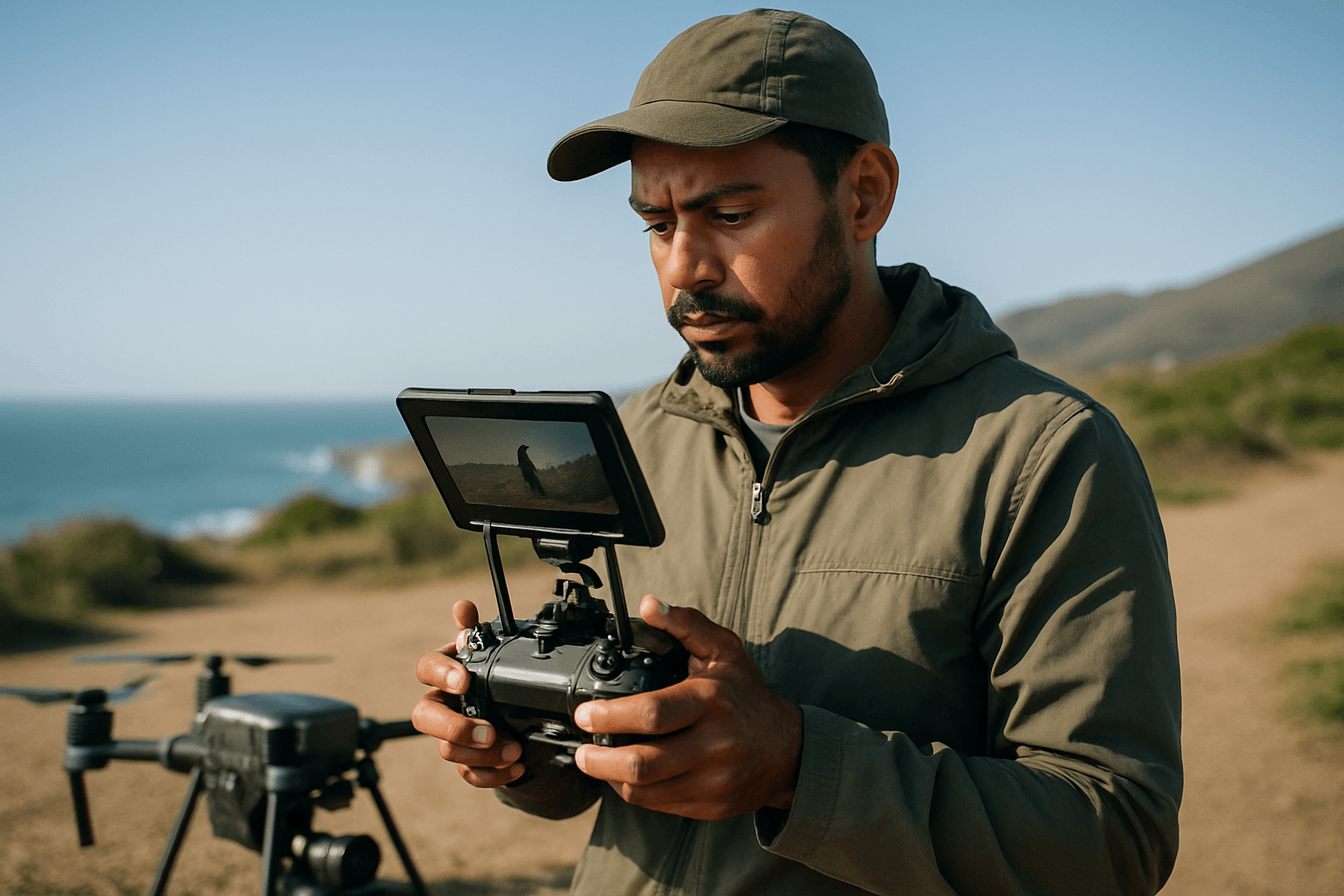
- Monitor Your Feed: Pay close attention to your live video feed during flight. While the resolution on a small screen might not show fine detail, it can help identify obvious focus issues.
- Composition Matters: Good composition not only creates visually appealing shots but can also help guide the viewer’s eye to the intended sharp subject. Use elements like leading lines and the rule of thirds.
Post-Processing for Refined Sharpness
While the goal is to get it right in-camera, post-processing can further enhance the perceived sharpness of your drone footage.
- Shoot in RAW/LOG: If your drone allows, shoot in RAW for photos and a LOG profile for video. These formats retain the maximum amount of image data, providing greater flexibility for sharpening and color grading in editing software.
- Subtle Sharpening: Apply sharpening sparingly and selectively in your editing software. Excessive sharpening can introduce digital artifacts and make your footage look unnatural.
- Noise Reduction: If you had to use a higher ISO, apply noise reduction in post-production. Modern software offers powerful tools to clean up noisy footage without significantly sacrificing detail.
- Bit Rate: A high bitrate during recording and export is crucial for retaining detail. Low bitrates can lead to muddy-looking footage, especially in areas with lots of movement and detail.
By combining a deep understanding of camera settings, mastering various focusing techniques, diligently following a pre-flight checklist, and employing smooth flying practices, you can consistently achieve the stunning, sharp aerial videography that sets your work apart. Practice is key, so get out there and start capturing those breathtakingly clear drone shots.