The allure of drone aerial photography and videography lies in its ability to capture breathtaking perspectives previously reserved for high-budget productions. However, the dream of cinematic, fluid drone shots can quickly turn into a frustrating reality when footage is plagued by distracting jitters and instability. Achieving that coveted smooth, professional look demands a multi-faceted approach, combining advanced technology, meticulous pre-flight preparation, refined piloting skills, and intelligent post-production techniques. This comprehensive guide will equip drone pilots with the knowledge and strategies to transform shaky drone videos into captivating, stable aerial masterpieces.
Understanding the Causes of Camera Shake in Drones
Before diving into solutions, it’s essential to understand why drone footage becomes shaky. Camera shake in drone aerial footage can stem from a combination of environmental factors, pilot technique, and issues with the drone or its equipment. Identifying the root cause is the first step toward effective stabilization.
Environmental Factors
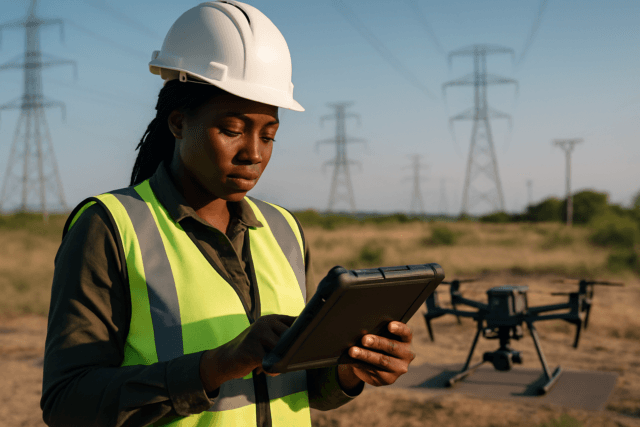
Weather conditions, particularly wind, are a primary antagonist to smooth drone footage. Even a light breeze can cause a drone to wobble or drift, impacting camera stability. Flying too close to the ground can also induce instability due to a phenomenon known as the “ground effect,” where turbulent airflow bounces back up, causing the drone to wobble. Geomagnetic interference from power lines or large metal structures can interfere with the drone’s compass and GPS, leading to unstable flight.
Pilot Technique
One of the most common reasons for shaky video is sudden, jerky stick movements on the remote controller. Drones respond instantly to inputs, meaning quick or sharp commands translate directly into jolts in the footage. Inexperienced pilots might also struggle with maintaining a consistent altitude or executing smooth turns, leading to erratic camera movements.
Drone and Equipment Issues
The drone itself can be a source of instability. Damaged, unbalanced, or dirty propellers are a leading cause of vibration that transmits to the camera. A low battery can also compromise a drone’s power and stability, especially during longer flights. Furthermore, issues with the camera’s stabilization system, such as a damaged gimbal or an uncalibrated gyroscope, can severely impact footage quality. Even a loose camera mount or lens focus ring can introduce unwanted jitters. Incorrect camera settings, such as an excessively fast shutter speed without the use of Neutral Density (ND) filters, can also result in choppy or stuttering footage.
Hardware Solutions for Stable Drone Footage
Modern drones incorporate sophisticated hardware designed to counteract unwanted movement. These technologies are foundational to achieving stable aerial video.
Gimbal Stabilization: The Mechanical Maestro
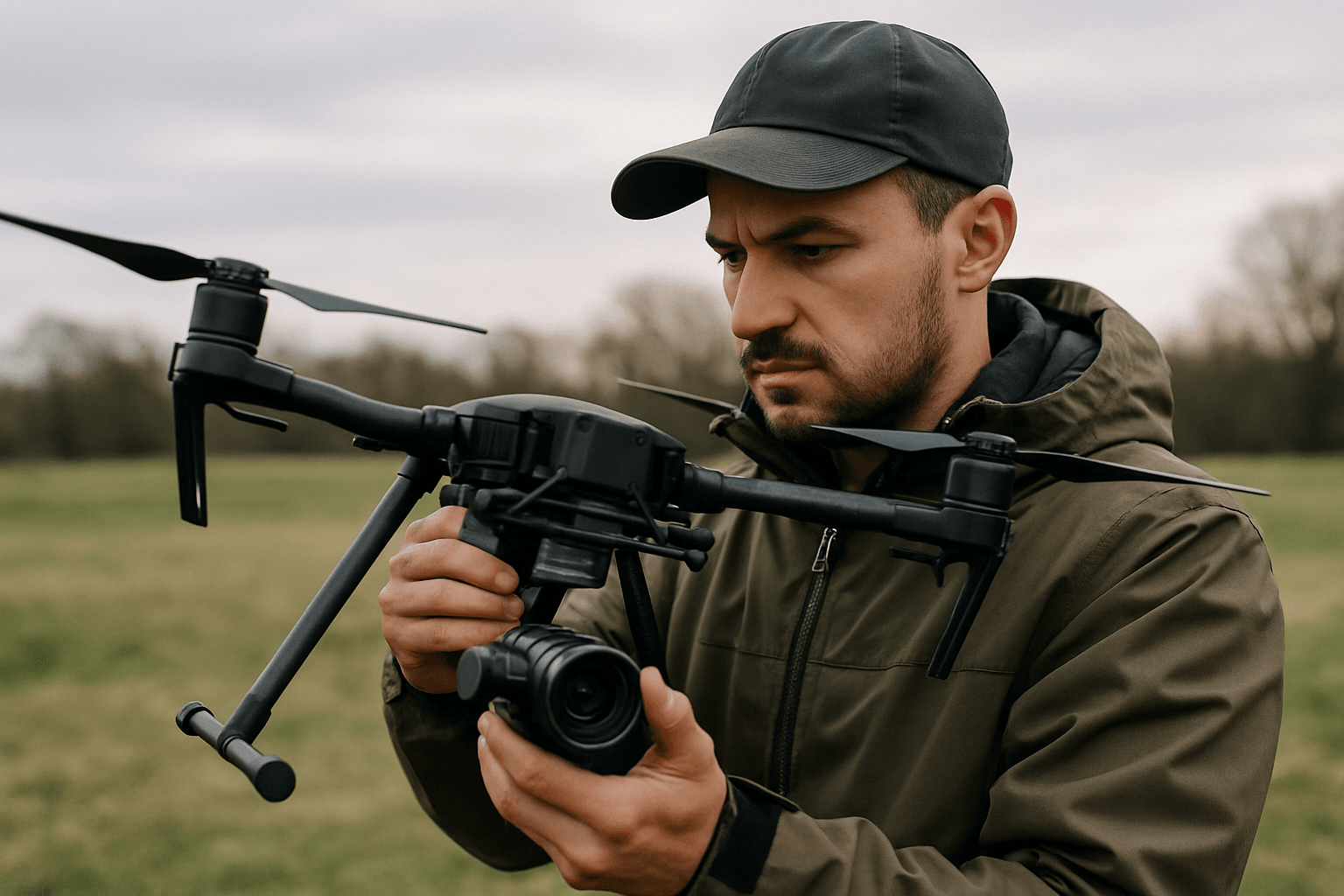
A gimbal is arguably the most crucial component for achieving smooth drone footage. This mechanical stabilization system uses motorized, three-axis (or sometimes two-axis) gimbals to keep the camera level and steady, compensating for the drone’s movements in real-time. Equipped with precision motors and sensor systems, gimbals detect movements along the pitch, roll, and yaw axes, making instantaneous adjustments to maintain a stable camera angle.
- Pitch Axis: Controls the camera’s tilt up and down, vital during acceleration or deceleration.
- Roll Axis: Compensates for side-to-side tilting, maintaining a level horizon, especially in windy conditions.
- Yaw Axis: Manages left and right rotation, preventing sudden jerks when the drone turns.
High-end drones, such as the DJI Mavic 2 Pro or Autel Robotics EVO II, come equipped with advanced 3-axis gimbals, providing precise stabilization control for stunning aerial footage.
Electronic Image Stabilization (EIS): Digital Precision
Electronic Image Stabilization (EIS) is a software-based solution that digitally adjusts and balances the captured image to reduce shakiness. It works by analyzing the camera’s motion and applying algorithms to crop and shift the image within the frame, effectively removing jerks and wobbles. EIS is often found in action cameras, smartphones, and compact drones due to its lightweight nature and lack of mechanical complexity, making it a power-efficient option. However, because EIS crops the image, it can sometimes lead to a slight loss of detail or a reduced field of view.
Optical Image Stabilization (OIS): Lens-Based Correction
Optical Image Stabilization (OIS) is a hardware-based technology that physically compensates for small movements and vibrations before the image is recorded. OIS systems achieve this by shifting lens elements or the image sensor itself in the opposite direction of the detected camera movement. This preserves the native resolution and sharpness of the image, making it particularly effective in low-light conditions, zoom photography, and where high image clarity is paramount. In drones, OIS is primarily integrated into the gimbal camera system.
Hybrid Stabilization Systems
Many modern drone cameras employ a hybrid approach, combining the strengths of mechanical gimbals with digital EIS or OIS. For example, a drone might use a single-axis gimbal for pitch control augmented by three-axis EIS to handle roll and yaw digitally. This combination provides robust stabilization, allowing for rock-steady videos even in challenging conditions like wind or high-speed flight.
Pre-Flight Checklist: Setting the Stage for Smoothness
Achieving stable drone footage begins long before takeoff with thorough pre-flight preparation.
- Check Weather Conditions: Wind is the arch-nemesis of smooth drone footage. Always check wind speeds and avoid flying in conditions exceeding your drone’s wind resistance limits. Calm days are ideal for cinematic shots.
- Calibrate Your Drone and Gimbal: Regular calibration of the drone’s compass and gimbal ensures optimal performance and accurate sensor readings. If your gimbal appears damaged or stuck, ensure it’s free of debris and consider recalibration or professional inspection.
- Inspect Propellers: Damaged, chipped, or unbalanced propellers can cause significant vibrations. Always check propellers for wear and tear before each flight and replace any that appear damaged. Clean propellers also contribute to smoother flight.
- Fully Charged Batteries: A weak or old battery can lead to power drops and affect the drone’s stability. Ensure both drone and remote controller batteries are fully charged for optimal performance.
- Survey Your Location: Use tools like Google Maps to scout potential flight paths and identify obstacles or sources of interference (e.g., power lines, metal structures) that could affect GPS signals or flight stability.
In-Flight Techniques for Cinematic Stability
Even with the best hardware, a pilot’s skill can significantly impact footage smoothness. Mastering flying techniques is paramount.
Master Your Controls: Smooth Stick Movements
The most fundamental rule for cinematic drone footage is to fly slowly and deliberately, avoiding abrupt or jerky control inputs. Think of the drone as a heavy camera crane, not a racing quad. Practice moving the control sticks gently and gradually, allowing the drone to respond smoothly. Plan your shots in advance, executing slow pans and tilts, and avoiding sudden stops or changes in direction.
Optimize Drone Flight Modes and Settings
Many modern drones offer intelligent flight modes specifically designed for smoother video.
- Cinematic Mode (Cine Mode/Tripod Mode): These modes significantly slow down the drone’s movements and reduce stick sensitivity and turning speed, allowing for more gradual acceleration and braking. This is invaluable for achieving a steady, “tripod-like” shot in the air.
- Gain and Expo Tuning: Many drones allow adjustments to sensitivity settings, such as gain and expo. Lowering these values can make the drone respond more smoothly to stick inputs, providing finer control.
- Gimbal Settings: Adjust gimbal pitch speed (how fast the camera tilts) and pitch smoothness (how slowly the gimbal stops moving) to prevent abrupt camera movements. Lowering pitch speed and increasing smoothness can make a significant difference. Similarly, adjust yaw smoothness and lower maximum angular velocity to prevent jerky side-to-side rotations.
- Cruise Control: If available, cruise control functions allow the drone to maintain a consistent maneuver pattern, leading to exceptionally smooth and steady shots.
Strategic Flight Planning and Execution
Beyond stick movements, strategic flight practices enhance stability.
- Consistent Altitude: Try to fly your drone at a consistent altitude to maintain stable footage. Avoid flying too low (below 3 meters/10 feet) to prevent ground effect turbulence.
- Simple Maneuvers: For individual shots, keep movements fluid and singular. Avoid introducing multiple direction changes midway through a maneuver, as this can lead to erratic and less cinematic footage.
- Avoid Overloading: While not explicitly mentioned, an overloaded drone will struggle more for stability. Ensure your drone’s payload (camera, accessories) is within its recommended limits.
Camera Settings and Accessories
Optimizing camera settings and using appropriate accessories are crucial for the final image quality.
- Resolution and Frame Rate: Shoot in 4K for higher detail and greater flexibility in post-production, which allows for cropping and more effective stabilization. For a cinematic look, consider 24fps or 30fps. If you plan to incorporate slow-motion, shoot at 60fps or higher to ensure smooth playback when slowed down.
- Shutter Speed (The 180-Degree Rule): To achieve natural-looking motion blur and avoid a “stuttering” effect, set your shutter speed to roughly double your frame rate (e.g., 1/50th for 24fps footage).
- ND Filters: Neutral Density (ND) filters are essential accessories that control the amount of light entering the camera, allowing you to maintain the appropriate shutter speed even in bright conditions without overexposing the image. This is critical for adhering to the 180-degree rule and achieving smooth motion blur.
Post-Production: The Final Polish
Even with meticulous planning and skilled piloting, minor shakes can sometimes creep into drone footage. Post-production stabilization tools offer a powerful final layer of refinement.
Software Stabilization Tools
Leading video editing software includes robust stabilization features:
- Adobe Premiere Pro / After Effects (Warp Stabilizer): Warp Stabilizer is a highly effective tool that smooths out unwanted camera shake. Users can choose between “Smooth Motion” for subtle correction or “No Motion” to lock the frame, adjusting the “Smoothness” percentage for optimal results.
- DaVinci Resolve: This powerful, free video editor also offers a top-notch built-in stabilization tool, allowing users to simply click “Stabilize” and let the software work its magic.
- Gyroflow: A popular tool, especially for FPV drone footage, Gyroflow allows for precise adjustments based on raw gyroscope data from the drone.
Best Practices for Post-Stabilization
To maximize the effectiveness of post-production stabilization:
- Shoot in High Resolution and Wide Field of View: Higher resolution footage provides more data for the software to analyze, leading to better stabilization. Shooting in the widest available field of view is also beneficial, as stabilization often involves a slight crop of the image.
- Apply Stabilization Early: It’s generally recommended to apply stabilization effects before other video effects.
- Trim Unstable Footage: Before applying stabilization, cut out any overly shaky or unusable sections of the clip to save processing time and improve the overall result.
- Avoid Over-Stabilization: While it’s tempting to make footage perfectly still, over-stabilization can lead to unnatural warping or “jello” effects. Sometimes, a subtle amount of natural movement can make a shot feel more authentic. Experiment with different settings to find the right balance between smoothness and natural motion.
Conclusion
Overcoming camera shake in drone aerial footage is an art and a science, requiring a holistic approach that integrates technology, preparation, skill, and post-processing. By understanding the common causes of instability, leveraging advanced hardware like gimbals and image stabilization systems, diligently performing pre-flight checks, honing piloting techniques, and employing powerful post-production tools, drone enthusiasts and professionals alike can consistently achieve the smooth, cinematic results that elevate their aerial videography from good to truly breathtaking. Practice, patience, and attention to detail remain the most potent tools in any drone pilot’s arsenal.